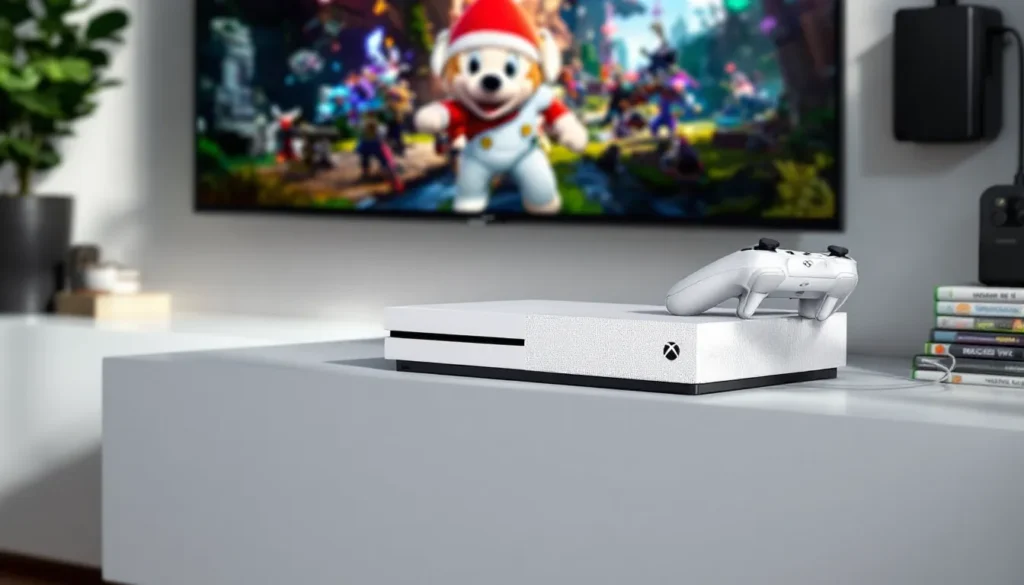
In 2026, the Xbox One S 1TB sits in a strange but fascinating spot. It’s not the latest hardware, but it’s far from obsolete. With the Xbox Series S and Series X dominating headlines, the One S has quietly become a budget-friendly gateway for gamers who want solid performance, 4K upscaling, and access to a massive library without spending $300+.
Whether you’re picking up your first console, building a secondary setup for the bedroom, or hunting for a deal on the pre-owned market, the 1TB model offers twice the storage of the base 500GB version. That’s enough to juggle a dozen AAA titles without constant deletion anxiety. This guide breaks down what the Xbox One S 1TB delivers in 2026, how it stacks up against newer hardware, and whether it’s the right move for your gaming needs.
Table of Contents
ToggleKey Takeaways
- The Xbox One S 1TB offers excellent value at $120–180 on the used market, providing 1080p native gaming with 4K upscaling, HDR support, and access to Game Pass’s 450+ titles for budget-conscious gamers.
- With 1TB of storage, you can install and manage 10–15 AAA titles simultaneously, eliminating the constant deletion anxiety that plagues the 500GB model and making it ideal for Game Pass rotation.
- The Xbox One S 1TB falls short of future-proofing; most new first-party exclusives are Series X|S only, and third-party support will dwindle after 2027–2028, though backward compatibility keeps hundreds of classic games playable.
- Expanding storage with an external USB 3.0 drive (2TB HDD for $50–70) seamlessly extends your library, and 7200 RPM external drives match or beat the internal 5400 RPM hard drive’s load times.
- While the Xbox Series S ($299 new) offers 3.3x more GPU power, native 1440p gaming, and 60+ FPS standards, the One S 1TB remains a smart secondary console, physical media player, or entry point for casual gamers prioritizing cost over cutting-edge performance.
What Makes the Xbox One S 1TB Stand Out in 2026
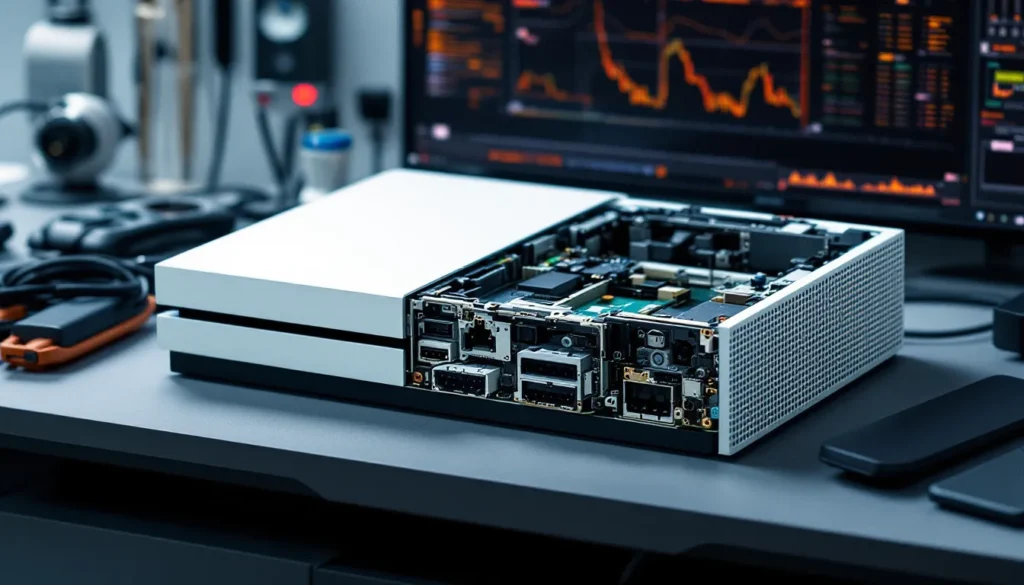
Key Specifications and Hardware Overview
The Xbox One S launched in 2016 as a slimmed-down revision of the original Xbox One, packing the same 8-core AMD Jaguar CPU and 1.23 teraflops of GPU power into a 40% smaller frame. The 1TB model doubled the storage of the base unit, which matters more than ever in 2026 as game install sizes routinely hit 60-100GB.
Here’s what you’re working with:
- CPU: Custom 1.75 GHz 8-core AMD Jaguar
- GPU: 914 MHz AMD Radeon (1.23 TFLOPS)
- RAM: 8GB DDR3 (5GB available for games)
- Storage: 1TB HDD (5400 RPM)
- Video Output: 4K upscaling, HDR10 support, native 1080p gaming
- Optical Drive: 4K UHD Blu-ray player
- Dimensions: 11.6 x 8.9 x 2.5 inches
- Power Supply: Internal (no brick)
The internal power supply alone is a quality-of-life win over the original Xbox One’s external brick. The console runs quieter, cooler, and fits better in entertainment centers.
How the 1TB Storage Capacity Compares to Other Models
Microsoft released the Xbox One S in three storage tiers: 500GB, 1TB, and 2TB. The 2TB model was a limited launch edition and virtually disappeared from retail by 2017. That leaves the 500GB and 1TB as the primary options on the used market.
500GB vs. 1TB breakdown:
- 500GB: Holds roughly 5-8 modern AAA games (think Halo Infinite at 50GB, Forza Horizon 5 at 103GB)
- 1TB: Realistically fits 10-15 titles depending on size, with breathing room for indie games and Game Pass experiments
The difference is meaningful. With a 500GB drive, you’re constantly managing storage, deleting games to make space for new downloads. The 1TB model cuts that friction in half. For anyone planning to use Game Pass, which offers 450+ games as of early 2026, the extra 500GB is borderline essential unless you want to lean on external storage from day one.
Compared to the Xbox One Archives lineup, the One S 1TB hits a sweet spot between capacity and cost.
Performance and Gaming Experience
4K Upscaling and HDR Support Explained
The Xbox One S doesn’t render games in native 4K, that’s the Xbox One X’s territory. Instead, it upscales 1080p output to 4K, using the console’s scaler chip to interpolate extra pixels. The result isn’t true 4K, but on a 4K TV, games look noticeably sharper than raw 1080p, especially at viewing distances of 6-10 feet.
HDR10 is where the One S genuinely shines. High Dynamic Range expands the color gamut and contrast ratio, making highlights brighter and shadows deeper. Games like Forza Horizon 4, Red Dead Redemption 2, and Gears 5 show dramatic improvements with HDR enabled. You’ll need an HDR-compatible TV to take advantage, but as of 2026, even budget 4K sets include HDR10.
One caveat: not every game supports HDR. Titles released before 2016 generally lack it, and some newer indie games skip the feature. Check the game’s store page or settings menu to confirm.
Frame Rates and Load Times: What to Expect
The Xbox One S targets 30 FPS for most AAA games, with some lighter titles (Rocket League, Ori and the Will of the Wisps) hitting 60 FPS. This is unchanged from the original Xbox One, the GPU bump in the One S went toward 4K video playback, not gaming performance.
Load times are where the 5400 RPM hard drive shows its age. Expect:
- Initial game boot: 45-90 seconds for AAA titles
- Level transitions: 20-45 seconds (Red Dead Redemption 2 is notorious here)
- Fast travel/respawns: 10-25 seconds
For reference, the Xbox Series S cuts those times by 50-70% thanks to its NVD SSD. If you’re upgrading from a 360 or PS3, the One S will feel snappy. Coming from a Series console? You’ll notice the difference.
External SSDs connected via USB 3.0 can shave 15-30% off load times, a worthwhile upgrade if you find yourself tab-browsing during load screens.
Backward Compatibility and Game Library Access
Backward compatibility remains one of Xbox’s strongest selling points. The One S plays:
- Xbox One games: Full library, 1,000+ titles
- Xbox 360 games: 600+ via emulation
- Original Xbox games: 40+ classics
Performance on backward-compatible titles varies. Some Xbox 360 games run smoother on One S than they did on native hardware (thanks to emulation improvements), while others are locked to their original frame rates and resolutions.
Game Pass is the real game-changer. As of March 2026, the service includes over 450 games across console and cloud, with day-one releases from Xbox Game Studios. For $10.99/month (Console tier) or $16.99 (Ultimate with PC and cloud), it’s the most cost-effective way to build a library. The 1TB drive is big enough to keep 10-15 Game Pass titles installed simultaneously, rotating as new additions arrive.
According to Windows Central, Game Pass subscriber counts hit 35 million in late 2025, cementing it as a core pillar of the Xbox ecosystem.
Storage Management: Is 1TB Enough?
How Many Games Can You Install?
Game install sizes in 2026 span a wide range. Here’s a realistic breakdown:
AAA titles (50-110GB each):
- Call of Duty: Modern Warfare III (2024): 149GB
- Starfield: 125GB
- Forza Motorsport (2023): 132GB
- Halo Infinite: 50GB
- Elden Ring: 60GB
Mid-tier/indie games (5-30GB each):
- Hades: 15GB
- Dead Cells: 2GB
- Sea of Thieves: 50GB
- Stardew Valley: 500MB
If you lean toward AAA games, expect to fit 8-12 titles on a 1TB drive (accounting for system reserves that eat roughly 150GB). Mix in some indie games, and you can push that to 15-20.
The OS reserves about 150GB, leaving you with approximately 850GB of usable space. Game updates and DLC chip away at that further. Rainbow Six Siege, for example, has grown from 60GB at launch to 85GB after years of seasonal content.
Expanding Storage with External Drives
The Xbox One S supports external USB 3.0 storage, a cheap and effective way to expand capacity. Any drive 256GB or larger works, though 2TB external HDDs hit the sweet spot at $50-70 in 2026.
Performance notes:
- External HDD (7200 RPM): Load times match or slightly beat the internal 5400 RPM drive
- External SSD: 15-30% faster load times, but costs 2-3x more per terabyte
- USB 3.0 bottleneck: The USB 3.0 interface caps theoretical speeds at 5Gbps, so ultra-high-end SSDs won’t reach their full potential
You can’t run Xbox Series X
|
S-exclusive games from external drives (they require the internal SSD on Series consoles), but that’s irrelevant on the One S. All Xbox One, 360, and OG Xbox games run fine from external storage.
Games stored externally can be launched directly, no need to transfer them back to internal storage. The console treats external drives as seamless extensions of the main drive.
Xbox One S 1TB vs. Xbox Series S: Which Should You Choose?
Price-to-Performance Comparison
In 2026, the Xbox Series S retails for $299 new, while the Xbox One S 1TB hovers around $120-180 on the used market (less if you catch a deal). That $120+ gap is the decision point.
What the Series S offers over the One S:
- GPU: 4 TFLOPS vs. 1.23 TFLOPS (3.3x more powerful)
- CPU: Zen 2 at 3.6 GHz vs. Jaguar at 1.75 GHz (massive uplift)
- Storage: 512GB NVMe SSD (lightning-fast loads) vs. 1TB HDD
- Target resolution: 1440p native vs. 1080p native
- Frame rates: 60 FPS standard, 120 FPS support vs. 30 FPS standard
- Ray tracing: Yes vs. No
- DirectStorage: Yes vs. No
- Quick Resume: Yes vs. No
Where the One S holds ground:
- Storage: 1TB HDD vs. 512GB SSD (you’ll hit the Series S cap faster)
- Optical drive: Plays physical discs, including 4K Blu-rays
- Price: $120-180 used vs. $299 new
If you’ve got $300 and want the best experience, the Series S is the no-brainer. It’s a generational leap in CPU and GPU power, and the SSD transforms load times. But if your budget caps at $150, the One S delivers 95% of the library for half the cost.
Best use cases for the One S in 2026:
- Casual gamers: Playing Game Pass titles, backward-compatible classics, and older AAA games
- Secondary console: Bedroom setup, kids’ room, or LAN party backup
- Physical media: You own a disc library or want a 4K Blu-ray player
- Budget-first: Can’t justify $300 for gaming right now
Future-Proofing Your Gaming Setup
Here’s the uncomfortable truth: the Xbox One S is end-of-life hardware. Microsoft stopped manufacturing new units in 2020, and first-party support is winding down. Starfield, the biggest Xbox exclusive of 2023, is Series X
|
S only. The same goes for Forza Motorsport (2023), Hellblade II, and future first-party releases.
Timeline expectations:
- 2026-2027: Most third-party games still release on Xbox One, though often with compromised visuals or frame rates
- 2028 onward: Xbox One versions become rare: developers shift focus to Series and next-gen hardware
If you’re planning to stick with the One S for 2-3+ years, you’ll increasingly encounter “Series X
|
S only” labels. Game Pass will still offer hundreds of compatible titles, but you’ll miss out on the newest blockbusters.
The Series S, by contrast, is positioned as Microsoft’s budget next-gen console through at least 2028-2030. It’s a safer long-term investment if you can swing the extra $120-150.
Where to Buy Xbox One S 1TB in 2026
New vs. Pre-Owned: Pricing and Availability
Microsoft discontinued the Xbox One S in 2020, so any “new” unit in 2026 is old stock or refurbished inventory. Most buyers are shopping the pre-owned market.
Typical pricing (March 2026):
- Pre-owned, good condition: $120-150
- Pre-owned, excellent condition: $150-180
- Refurbished (retailer-certified): $160-200
- New old stock (rare): $220-250
Where to find them:
- GameStop: Pre-owned consoles with 30-day warranty, $130-160
- eBay: Widest selection, prices vary wildly: watch for seller ratings and return policies
- Facebook Marketplace/OfferUp: Local deals, $100-140, but buyer-beware on condition
- Amazon Renewed: Refurbished units, $160-180, backed by Amazon’s return policy
- Pawn shops/local game stores: Hit-or-miss, sometimes steals at $90-120
When buying used, check:
- Controller condition: Stick drift is common on older Xbox One controllers
- HDMI output: Test video output: HDMI port failures were an issue on early One S units
- Disc drive: If buying the disc model, test with a physical game or Blu-ray
- Warranty: GameStop and Amazon Renewed offer short-term protection: private sellers typically don’t
Some gamers have found solid deals on eBay for Xbox hardware, though listings fluctuate week to week.
Best Bundles and Special Editions to Look For
Microsoft released dozens of Xbox One S bundles and special editions between 2016-2020. Some are worth hunting down for collectors or fans:
Notable 1TB bundles:
- Gears 5 Limited Edition (red): Crimson Omen console, matching controller, full game download
- Battlefield 1 Special Edition (military green): Unique shell color, rare in 2026
- Minecraft Limited Edition (grass block design): Bright green console, Creeper controller, kid-friendly
- Forza Horizon 4 Bundle: Standard white console, FH4 download, good value if you find it under $150
These special editions don’t offer performance differences, just aesthetic appeal. If you spot one at the same price as a standard unit, grab it for the novelty. Otherwise, prioritize condition and price over color.
Game Pass trial codes: Many bundles included 1-3 month Game Pass Ultimate trials. These codes expired years ago, so don’t factor them into the purchase decision.
Essential Accessories for Your Xbox One S 1TB
Controllers, Headsets, and Charging Solutions
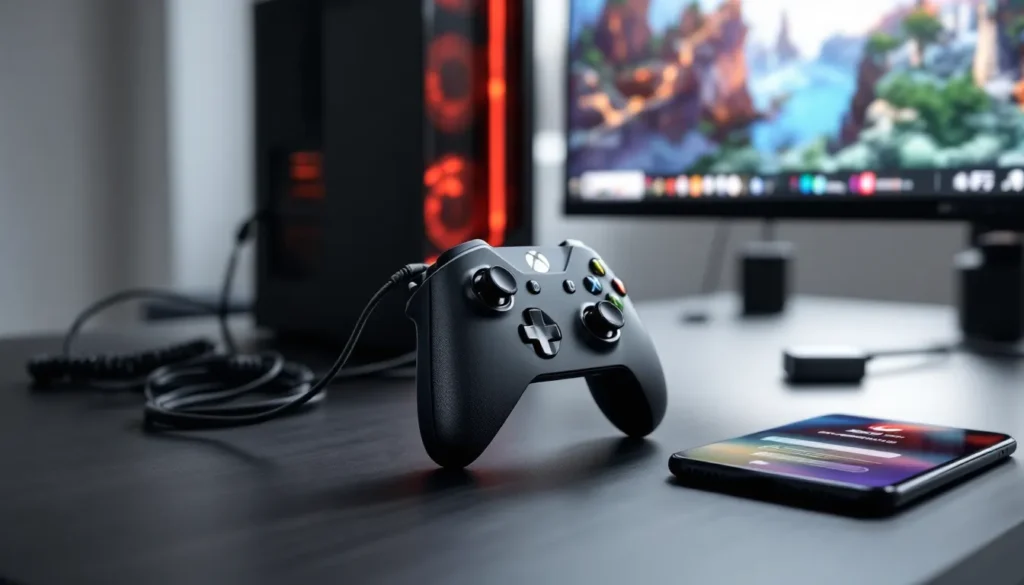
The Xbox One S ships with a single Xbox Wireless Controller (the 2016 revision with Bluetooth support). It’s solid, but after 8+ years, used controllers often show wear: stick drift, sticky buttons, or faded grips.
Controller upgrades and extras:
- Standard Xbox Wireless Controller (2020 model): $59.99, works on One S and Series consoles, USB-C charging
- Xbox Elite Series 2: $139.99, customizable, premium build, overkill for most One S gamers
- PowerA Enhanced Wired Controller: $39.99, budget option with mappable buttons
- Third-party options: $25-40, quality varies, stick to brands like PowerA or Razer
For multiplayer, grab a second controller. Many gamers keep a rechargeable Xbox One controller setup with a play-and-charge kit ($24.99) to avoid burning through AA batteries.
Headset recommendations:
The One S supports standard 3.5mm headsets (plug directly into the controller) and USB/wireless headsets. In 2026, options span $20 budget sets to $150 premium cans.
- HyperX CloudX Stinger: $49.99, lightweight, good mic, comfortable for 3+ hour sessions
- SteelSeries Arctis 1 Wireless: $99.99, low-latency 2.4GHz, works across Xbox, PS5, Switch, PC
- Turtle Beach Recon 70: $39.99, budget-friendly, solid audio for the price
If you prefer Bluetooth headsets, the One S doesn’t natively support Bluetooth audio (it’s for controllers only). You’ll need a workaround like the Xbox One Bluetooth adapter or stick to wired/USB wireless headsets.
Must-Have Cables and Display Adapters
The Xbox One S includes an HDMI 2.0 cable, but after years of use, cables fray or go missing. Here’s what to keep on hand:
- HDMI 2.0 cable: Required for 4K and HDR. Generic $8-12 cables work fine: you don’t need $50 “premium” cables
- Ethernet cable: Wi-Fi on the One S is solid (802.11ac), but wired connections cut lag for competitive multiplayer
- USB 3.0 extension cable: If placing an external drive behind your TV, a 3-6 foot extension keeps it accessible
- Controller charge cable: Micro-USB (older controllers) or USB-C (2020+ models)
If your TV lacks HDMI ports or you’re using an older monitor, an HDMI to DVI adapter ($10-15) works, though you’ll lose audio (route through a separate speaker or headset). Most gamers upgrading from a 360 already have the cables they need.
Top Games to Play on Xbox One S 1TB in 2026
Exclusive Titles and Game Pass Highlights
The Xbox One generation wasn’t as exclusive-heavy as PlayStation, but several standouts make the console worth owning. Combine that with Game Pass, and you’ve got a library that’ll take years to exhaust.
Must-play exclusives (all available on One S):
- Halo: The Master Chief Collection: Six campaigns, remastered, 120+ multiplayer maps, the best value in gaming
- Forza Horizon 4 & 5: Open-world racing, jaw-dropping visuals, Horizon 5 is optimized for One S
- Gears 5: Cover-based shooting perfected, 3-player co-op campaign, thriving multiplayer in 2026
- Ori and the Blind Forest + Will of the Wisps: Stunning Metroidvanias, 60 FPS on One S
- Sea of Thieves: Ongoing pirate sandbox, regular content updates, cross-play with PC
Game Pass gems (as of March 2026):
- Starfield (cloud streaming only): Series X
|
S exclusive, but playable on One S via cloud
- Pentiment: Narrative RPG from Obsidian, surprising depth
- Hi-Fi Rush: Rhythm-action hybrid, ran well on One S after optimization patches
- Lies of P: Soulslike, challenging, gorgeous art direction
- Hollow Knight: Indie Metroidvania masterpiece, $15 standalone or free on Game Pass
According to Pure Xbox, Game Pass added 38 titles in Q1 2026 alone, including day-one indie darlings and third-party additions like Persona 3 Reload.
Best Multiplayer and Co-op Experiences
The Xbox One S remains a solid platform for online and couch co-op in 2026, even if newer hardware offers smoother frame rates.
Top multiplayer games:
- Halo Infinite: Free-to-play, active player base, 30 FPS on One S but still playable
- Rocket League: Free-to-play, 60 FPS, thriving ranked scene
- Apex Legends: 30 FPS on One S (60 on Series), still fun for casual matches
- Call of Duty: Warzone (2020-2023 versions): Later builds dropped One S support, but older Warzone versions still run
- Fortnite: Regular updates, 30 FPS, cross-play with all platforms
Couch co-op standouts:
- It Takes Two: 2-player co-op campaign, requires two controllers, one of the best co-op games ever made
- Overcooked 2: Chaotic cooking sim, 1-4 players, friendship-ruining difficulty spikes
- A Way Out: 2-player prison break narrative, split-screen or online
- Diablo III: Eternal Collection: 4-player local or online, loot grind perfection
- Borderlands 3: 4-player co-op shooter, billions of guns, runs decently on One S
Many of these games support cross-play, so you’re not limited to the shrinking Xbox One player pool.
Troubleshooting Common Xbox One S Issues
Resolving Connectivity and Update Problems
The One S occasionally throws connectivity fits, especially on older units running firmware from 2018-2020. Here’s how to fix the most common issues.
Wi-Fi dropouts or slow speeds:
- Power cycle your console: Hold the power button for 10 seconds until it fully shuts down, unplug for 30 seconds, restart
- Check router placement: The One S has weaker Wi-Fi antennas than Series consoles: walls and distance matter
- Switch DNS servers: Go to Settings > Network > Advanced > DNS, set to 8.8.8.8 (Google) or 1.1.1.1 (Cloudflare)
- Use wired Ethernet: If Wi-Fi issues persist, a $10 Ethernet cable solves 90% of problems
System update failures:
The One S occasionally stalls during OS updates, especially on slow or unstable connections.
- Try offline update via USB: Download the latest update file from Xbox Support, copy to a USB drive (NTFS format), plug into console, navigate to Settings > System > Console Info > Reset Console > Reset but keep games/apps, then apply USB update
- Clear persistent storage: Settings > Disc & Blu-ray > Persistent Storage > Clear 3 times
- Factory reset (last resort): Settings > System > Console Info > Reset Console. Choose “Reset and remove everything” only if other fixes fail
If your console won’t boot at all, you might need Xbox One repair from a local technician or Microsoft’s service center (though official support for One S ended in 2023).
Fixing Storage and Performance Slowdowns
After years of game installs, updates, and cache buildup, the One S can feel sluggish. Here’s how to restore snappiness.
Slow dashboard or app switching:
- Clear cache: Hold power button for 10 seconds, unplug for 2 minutes, restart (this clears temporary files)
- Reduce background activity: Settings > Preferences > Limit background activity to “On” (limits auto-updates while gaming)
- Disable unnecessary features: Turn off captures/streaming if you don’t use them (Settings > Preferences > Capture & share)
Game crashes or frame drops:
- Check for game updates: Highlight the game, press Menu > Manage game > Updates
- Reinstall the game: Sometimes corrupted installs cause issues: delete and reinstall from your library
- Test external drive vs. internal: If using external storage, try moving the game to internal (or vice versa) to rule out drive issues
- Ventilation check: Ensure console has 4-6 inches of clearance on all sides: dust buildup in vents causes thermal throttling
Storage full even though deleting games:
The One S reserves space for save files, game updates, and system cache. To reclaim hidden space:
- Delete leftover save data: Settings > System > Storage > Make more space > Show all, delete old saves for uninstalled games
- Clear reserved space: Settings > System > Storage > Clear reserved space
- Manage game clips: Capture gallery auto-saves clips: delete unused ones
Digital Trends published a detailed guide in late 2025 covering additional performance tweaks for older Xbox consoles, including registry edits for advanced users.
Conclusion
The Xbox One S 1TB in 2026 isn’t cutting-edge, but it’s far from worthless. For $120-180, you get a capable 1080p console with 4K upscaling, HDR support, a massive backward-compatible library, and access to Game Pass, one of the best deals in gaming. The 1TB drive gives you enough room to keep a solid rotation of games installed without constant micromanagement.
It’s not future-proof. New first-party exclusives are Series X
|
S only, and third-party support will fade over the next 2-3 years. But if you’re budget-conscious, building a secondary setup, or just want to catch up on Xbox classics and Game Pass titles, the One S delivers excellent value.
If you can stretch to $299, the Series S is the smarter long-term buy. But if your budget caps at $150 and you’re okay with missing the latest exclusives, the One S 1TB is still a solid entry point into the Xbox ecosystem in 2026. Pair it with Game Pass, grab a second controller for couch co-op, and you’re set for hundreds of hours of gaming.