When Microsoft launched the original Xbox One in November 2013, it represented a bold vision for the future of home entertainment, one that didn’t quite land the way the company hoped. The console entered the market with a controversial always-online approach and a mandatory Kinect sensor, decisions that would shape its rocky first year. But beyond the missteps and the memes, the original Xbox One delivered genuine power, introduced a redesigned controller that became an industry benchmark, and laid the groundwork for services like Xbox Game Pass.
Now, more than a decade later, the original Xbox One occupies a strange spot in gaming history. It’s been superseded twice by its own family (the Xbox One S and Xbox One X), and completely outclassed by the current generation. Yet thousands of these black, VCR-shaped boxes still hum away in living rooms and college dorms, offering access to a massive game library at rock-bottom prices. For anyone curious about what made this console tick, whether it’s still viable in 2026, or how it stacks up against its successors, this guide covers everything.
Table of Contents
ToggleKey Takeaways
- The original Xbox One launched in 2013 with ambitious entertainment features like TV passthrough and Kinect, but found its footing after Microsoft unbundled the sensor and lowered the price to $399 in 2014.
- Used original Xbox One consoles cost $60–90 in 2026 and offer the cheapest entry to Xbox Game Pass (400+ games) and backwards compatibility with 600+ Xbox 360 and original Xbox titles.
- The original Xbox One’s 1.31 teraflop GPU resulted in many games running at 720p–900p compared to the PS4’s 1080p, a resolution gap that remains noticeable on modern 4K TVs.
- The Xbox One controller pioneered impulse trigger technology and became an industry benchmark, with later revisions adding a 3.5mm headphone jack for standard headsets.
- Before buying a used original Xbox One, test the disc drive, verify controller pairing, inspect ports for damage, and confirm the included power supply—these checks prevent costly mistakes.
- The original Xbox One lacks HDR support, runs games at 30fps where Series consoles hit 60–120fps, and has no path to next-gen exclusives like Starfield, making the Xbox One S or Series S better choices if budget allows.
What Is the Original Xbox One?
The original Xbox One was Microsoft’s third home console, designed to be an all-in-one entertainment hub rather than just a gaming machine. The company positioned it as the centerpiece of the living room, capable of handling TV passthrough, voice commands via Kinect, and simultaneous app snapping alongside gameplay.
This vision came with compromises. The GPU allocation was split to support these multitasking features, and the mandatory Kinect bundled with every console drove the launch price to $499, a full $100 more than the PlayStation 4. That price gap became a major problem, especially when Sony focused squarely on gaming performance.
Release Date and Initial Launch
November 22, 2013 marked the original Xbox One’s launch in 13 markets, including the US, UK, and Australia. Microsoft sold over 1 million units in the first 24 hours, a strong start that was quickly overshadowed by the PS4’s 2.1 million in its first two weeks.
The launch lineup included Forza Motorsport 5, Dead Rising 3, Ryse: Son of Rome, and Killer Instinct. Third-party heavy hitters like Call of Duty: Ghosts and Battlefield 4 were available on day one, though both ran at 720p compared to 900p-1080p on PS4, a resolution gap that became ammunition for online forum wars.
By June 2014, Microsoft reversed course. The company unbundled Kinect and dropped the price to $399, effectively admitting that the TV-first strategy wasn’t resonating with core gamers. The console found steadier footing after that shift, but the damage to its reputation lingered.
Key Features That Defined the Console
The original Xbox One introduced several features that either succeeded spectacularly or flopped hard:
- Kinect 2.0 integration: The sensor could track six people simultaneously, recognize faces, and monitor heart rates. Voice commands like “Xbox, record that” became genuinely useful for capturing gameplay clips. But developers barely used its capabilities, and privacy concerns soured mainstream adoption.
- HDMI pass-through: The console could pipe cable or satellite TV through it, overlaying the Xbox UI and enabling instant switching between games and live TV. In practice, it added input lag and required an IR blaster setup that confused most users.
- Game DVR and instant uploads: Built-in recording up to 5 minutes of 720p footage via the Game DVR changed how players shared moments, predating this feature on PS4.
- Smart Match and dedicated servers: Microsoft invested in Azure-powered matchmaking and hosted servers for first-party titles, improving multiplayer stability compared to peer-to-peer setups.
- Snap Mode: Gamers could run a second app, like Twitch, YouTube, or Internet Explorer, in a sidebar while playing. Cool in theory, it ate system resources and was removed entirely in a 2017 update.
The Xbox One also launched Xbox Live’s reputation system overhaul, splitting players by behavior to reduce toxic matchmaking. It worked quietly in the background, one of the console’s underappreciated wins.
Technical Specifications and Hardware Breakdown
Understanding the original Xbox One’s hardware helps explain both its strengths and its performance struggles against the PS4.
Processor and Graphics Performance
The console runs on a custom AMD Jaguar APU with an 8-core CPU clocked at 1.75 GHz. This was the same basic architecture Sony used in the PS4, but Microsoft’s implementation prioritized multitasking over raw gaming horsepower.
Graphics come from a custom AMD GPU delivering 1.31 teraflops of computing power with 12 compute units at 853 MHz. For context, the PS4’s GPU hit 1.84 teraflops with 18 compute units at 800 MHz, a roughly 40% advantage in shader throughput that translated directly into higher resolutions.
The result? Many cross-platform titles ran at 900p or even 720p on Xbox One while hitting 1080p on PS4. Games like Call of Duty: Advanced Warfare, Assassin’s Creed Unity, and The Witcher 3 all had noticeable resolution gaps. Frame rates were usually comparable, but the pixel count difference was impossible to ignore on larger TVs.
Microsoft’s DirectX 11.2 implementation and the eSRAM buffer (more on that below) helped close the gap slightly, but developers often found it easier to just lower resolution and maintain parity on other settings. As IGN reported in their early coverage, the performance delta became one of the defining narratives of the generation.
Storage Options and Memory
The original Xbox One shipped with a 500GB hard drive (465GB usable), which filled up fast once AAA titles started ballooning past 50GB. Later models bumped this to 1TB, but the launch version required most players to invest in an external HDD within the first year.
Memory architecture split into two pools:
- 8GB DDR3 RAM at 68.3 GB/s bandwidth, shared between games and the operating system
- 32MB eSRAM at 204 GB/s bandwidth, used as a high-speed buffer for rendering
The eSRAM was Microsoft’s answer to Sony’s unified 8GB GDDR5 setup (176 GB/s). In theory, smart use of eSRAM could offset the slower DDR3. In practice, it added complexity. Developers had to manually manage what went into that 32MB pool, and many opted to just lower resolution instead of wrestling with the architecture.
The OS reserved 3GB of the 8GB total, a chunky footprint compared to PS4’s ~2.5GB reservation. That extra overhead powered the Snap Mode and background app switching, but it meant less memory available for game assets.
Design and Build Quality
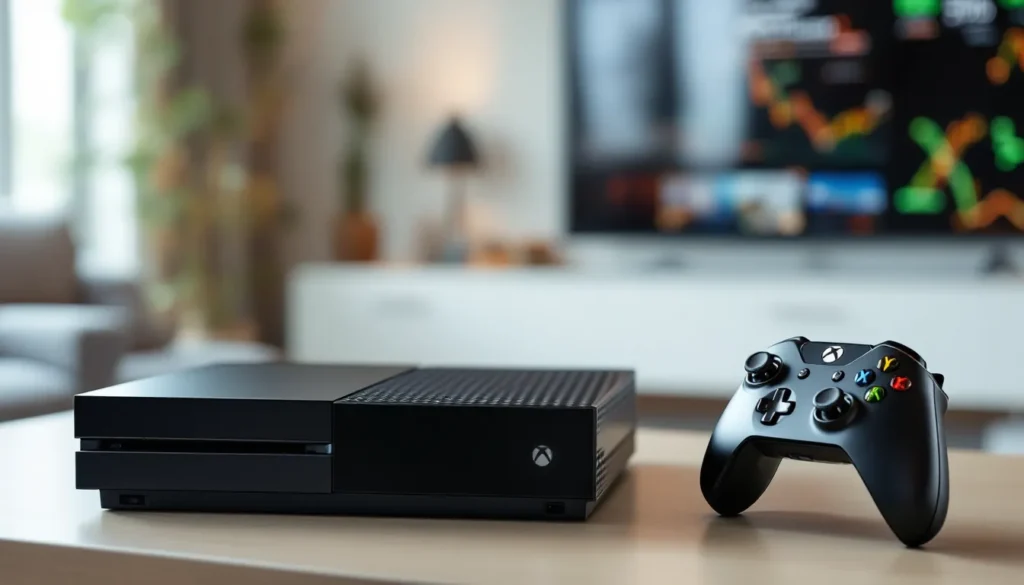
The original Xbox One’s industrial design was… divisive. Where the Xbox 360 went for curves and gloss, the Xbox One embraced sharp angles and a matte black finish that looked more like a 1990s VCR than a piece of modern tech.
Console Dimensions and Aesthetics
The console measures 13.1 x 10.8 x 3.1 inches (333 x 274 x 79 mm) and weighs 7.8 pounds (3.5 kg). It’s noticeably chunkier than the PS4, which sat at 10.8 x 12 x 2.1 inches.
Microsoft opted for a two-tone design with a black plastic body and a glossy top panel that extended into the side vent. The left side featured a large fan exhaust, while the right housed a circular vent pattern. The boxy shape was partly functional, internal layout prioritized cooling after the Xbox 360’s red ring of death fiasco, but it didn’t win any beauty contests.
Vent design proved effective, though. The console runs quiet under load, with fan noise staying below the ambient hum of most living rooms. Thermal throttling was rare, even during marathon gaming sessions.
The front panel is minimalist: a slot-loading Blu-ray drive, a single capacitive power button (no physical click), and a pairing button hidden on the left edge. There’s also a USB 3.0 port on the left side, convenient for charging controllers or plugging in external storage.
Kinect Integration and Port Layout
The rear I/O is where the original Xbox One showed its entertainment ambitions:
- HDMI Out: 1080p/4K output (4K only for video apps, not games)
- HDMI In: For cable/satellite box passthrough
- Kinect port: Proprietary connector for the bundled sensor
- Optical audio (S/PDIF): For surround sound systems
- Two USB 3.0 ports: External HDD support up to 16TB total
- Ethernet port: Gigabit LAN
- IR out port: For the included IR blaster to control TVs and AV equipment
The massive external power brick was unavoidable, measuring roughly 6.7 x 2.7 x 2.1 inches with an integrated fan. It added to the cable clutter but kept heat outside the console chassis.
Kinect sat above or below the TV, connected via that proprietary port. The sensor itself was impressively engineered, 1080p camera, IR depth sensor, four-mic array, but after Microsoft unbundled it in 2014, support evaporated. By 2017, the company discontinued production entirely. Players who already own the Xbox One Bluetooth headset don’t miss the voice commands much.
Original Xbox One vs. Xbox One S and Xbox One X
Microsoft released two major hardware revisions during the Xbox One’s lifecycle, each addressing specific shortcomings of the original model.
Performance Differences Between Models
The Xbox One S (launched August 2016) wasn’t a huge performance leap, but it refined the experience:
- 40% smaller footprint with integrated power supply
- HDR10 and 4K video playback (Blu-ray and streaming)
- Slight GPU overclock: 914 MHz vs. 853 MHz (about 7% boost), helping some games hit more stable frame rates
- Removed Kinect port (adapter sold separately)
- Added IR blaster into the console body
- Vertical stand option
Games ran essentially the same, though Digital Foundry documented minor improvements in frame pacing on select titles. The real win was 4K HDR video support, which the original model completely lacked.
The Xbox One X (November 2017) was the beast mode upgrade:
- 6 teraflops GPU performance (4.6x the original)
- 12GB GDDR5 memory (326 GB/s bandwidth)
- Native 4K gaming for many titles, with some running at 1440p or using checkerboard rendering
- Supersampling on 1080p displays for improved image quality
- Faster load times thanks to a 50 MHz HDD speed bump
- Vapor chamber cooling
Games like Forza Horizon 4, Gears 5, and Red Dead Redemption 2 showcased the X’s capabilities, hitting native 4K at 30fps or 1440p at 60fps depending on the title. The One X remained the most powerful console until the Series X launched in 2020.
For gamers wondering about Xbox One repair services, the original model and the S share many internal components, while the X is architecturally different.
Price Comparison and Value in 2026
In 2026, the used market tells the story:
- Original Xbox One (500GB): $60-$90, often bundled with a controller and a few games
- Xbox One S (500GB-1TB): $100-$150
- Xbox One X (1TB): $180-$250
The original model offers the lowest entry price, but the S is usually worth the extra $20-40. The integrated power supply, HDR support, and smaller size make it a better daily driver. The One X commands a premium because it still delivers respectably sharp visuals on 4K TVs, though it’s competing against used Series S consoles in the $200-230 range.
Anyone shopping for used consoles should check the full Xbox One Archives for compatibility and feature breakdowns.
Gaming Experience and Controller Features
Strip away the TV passthrough and Kinect gimmicks, and the original Xbox One delivered where it mattered most: the actual gaming.
Game Library and Backwards Compatibility
The Xbox One launched with a modest exclusive lineup, but Microsoft’s first-party output improved significantly over the generation:
- Halo: The Master Chief Collection (2014, rough launch but fixed over time)
- Sunset Overdrive (2014)
- Halo 5: Guardians (2015)
- Forza Horizon series (3, 4, and 5)
- Gears of War 4 and Gears 5
- Sea of Thieves (2018)
- Ori and the Blind Forest and Ori and the Will of the Wisps
Third-party support was robust throughout the generation, with every major multiplatform release hitting Xbox One. The resolution gap mattered to pixel counters, but frame rates and feature parity were usually identical to PS4.
Backwards compatibility became a killer feature starting in November 2015. Microsoft enabled hundreds of Xbox 360 titles to run on Xbox One via emulation, with no additional purchase required if you owned the disc or digital license. Later updates added original Xbox games to the program.
As of 2026, players can access over 600 backwards compatible titles spanning three generations. Some even run with enhancements on the One X (higher resolution, 16x anisotropic filtering). This library alone justifies keeping an original Xbox One around, especially for anyone with a collection of 360 discs gathering dust.
Game Pass launched in June 2017, transforming the value proposition. For $9.99/month (now $10.99 in 2026), subscribers get access to 400+ games including day-one first-party releases. The original Xbox One runs every Game Pass title, though some newer games designed for Series S/X aren’t available. According to Windows Central, Game Pass has become the primary way many players discover and play games on Xbox hardware.
Compatibility questions occasionally pop up, like whether Xbox Series X games work on Xbox One, but the backwards path runs smooth.
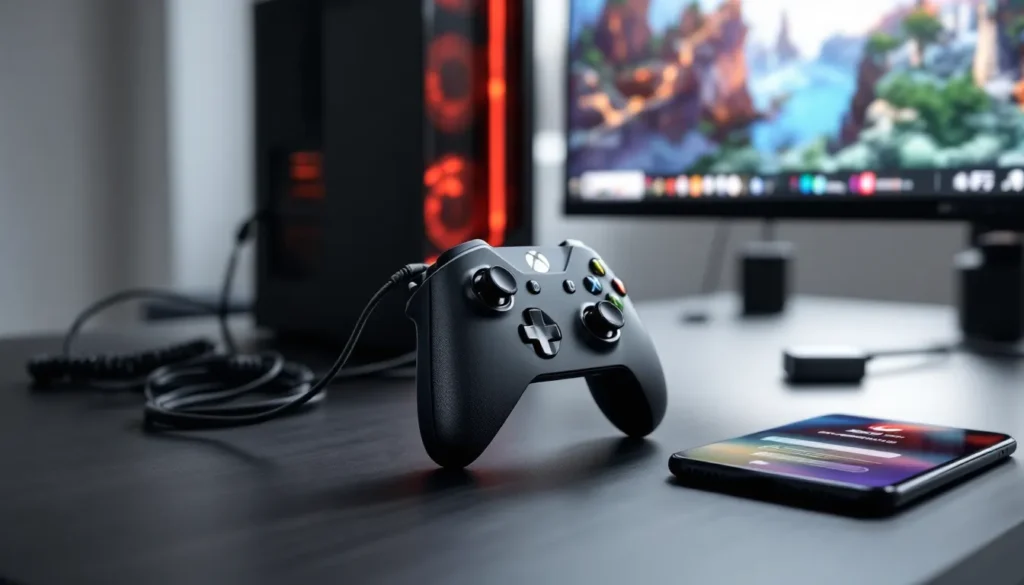
Controller Design and Improvements
The Xbox One controller refined the already-excellent 360 design:
- 40+ improvements over the 360 pad, per Microsoft’s count
- Redesigned D-pad with better tactile feedback
- Textured grips on the back
- Impulse triggers with independent rumble motors in each trigger
- More precise thumbsticks
- Wireless range extended to 20-30 feet
- Micro-USB port for wired play and charging (with optional play-and-charge kit)
The impulse triggers were genuinely innovative. Racing games used them to simulate terrain feedback and ABS braking, while shooters conveyed weapon recoil differently in each hand. Not every game took advantage, but the ones that did (like Forza Motorsport 5 and Titanfall) made it hard to go back.
Early controllers used IR communication with Kinect for auto-pairing and used AA batteries by default. Later revisions (post-June 2015) added a 3.5mm headphone jack directly on the controller, eliminating the need for Microsoft’s proprietary headset adapter. The jack supports standard headsets with inline mic, a small but crucial upgrade.
The controller used a proprietary wireless protocol, not Bluetooth, so it won’t connect to smartphones or PCs without the Xbox Wireless Adapter for Windows. Microsoft added Bluetooth to controllers starting with the One S launch, but the original Xbox One bundled controllers don’t have it.
For anyone exploring peripheral options, questions like can you use an Xbox 360 controller on Xbox One come up frequently, the short answer is no, not without third-party adapters, due to the protocol change.
Media and Entertainment Capabilities
Microsoft pitched the original Xbox One as an all-in-one entertainment hub, and the media features were legitimately robust, even if gamers didn’t care.
The console supports Blu-ray and DVD playback out of the box, with the disc drive handling both movies and games. It’ll play standard Blu-rays, DVDs, and CDs, though it lacks 4K UHD Blu-ray support (that came with the One S). Picture quality for 1080p Blu-rays is solid, and the console can upscale DVDs to near-HD.
Streaming apps dominated the Xbox One’s media use:
- Netflix, Hulu, Amazon Prime Video, Disney+, HBO Max, YouTube, Twitch
- Spotify and Pandora for background music
- Plex and VLC for local media streaming from a NAS or PC
The UI integrated these apps into the dashboard, and Snap Mode allowed users to keep a Twitch stream or YouTube video running in a sidebar while gaming. Microsoft killed Snap in 2017 to reclaim system resources, but the apps themselves still work fine.
TV passthrough via HDMI-in let users pipe cable or satellite boxes through the Xbox, overlaying the Xbox guide and enabling voice commands like “Xbox, watch ESPN.” It required configuring the IR blaster to control the cable box, and input lag made live sports frustrating for some. Microsoft also launched OneGuide, an integrated TV listings app, but it relied on Kinect voice navigation and never gained traction.
In 2026, these features feel dated. Streaming sticks like Roku, Chromecast, and Fire TV are faster, cheaper, and more focused. The Xbox One still works as a media box, but the clunky UI and loud fan make it a second-choice option for most households.
One underrated media feature: DLNA support via third-party apps like Plex or VLC. Gamers with large local movie collections can stream files from a PC or NAS over the home network, and the Xbox handles most codecs without transcoding. It’s not as elegant as a dedicated media PC, but it gets the job done.
Is the Original Xbox One Still Worth Buying in 2026?
The short answer: it depends on your budget and expectations. The original Xbox One isn’t the best Xbox anymore, but it’s the cheapest entry point into the ecosystem.
Pros of Buying a Used Original Xbox One
There are legitimate reasons to pick up a used original Xbox One in 2026:
- Price: At $60-90, it’s the most affordable way to access the Xbox library. Pair it with Game Pass, and you’ve got 400+ games for under $100 upfront.
- Backwards compatibility: Full access to Xbox 360 and original Xbox games, many with enhancements. If you’ve got old discs or digital licenses, they work here.
- Game Pass support: Every Game Pass title designed for Xbox One runs fine, though some newer Series S/X optimized titles won’t be available.
- Disc drive: Unlike the digital-only Series S, the original Xbox One plays physical discs. Used game hunting and disc-based Game Pass trials remain options.
- 1080p gaming: If you’re rocking a 1080p TV and don’t care about 4K, the performance gap to newer consoles shrinks. Many games still hit 30-60fps targets at this resolution.
- Proven reliability: By 2026, the hardware’s failure modes are well-known. Buy a working unit, and it’ll likely keep running.
According to Pure Xbox, the console still receives dashboard updates and security patches, though feature development ceased years ago.
Limitations and Drawbacks to Consider
That said, the original Xbox One shows its age in several ways:
- Resolution limitations: Many games run at 900p or 720p. On a 4K TV, upscaling looks noticeably softer than native or even 1080p.
- No HDR: High Dynamic Range transformed how games look on modern displays, and the original model doesn’t support it at all.
- Slow load times: Even with an SSD installed via USB (which helps), load times are 2-3x longer than Series S/X due to the older CPU and I/O architecture.
- 30fps caps: Many titles that run at 60fps or 120fps on Series consoles are locked at 30fps on the original Xbox One. That’s a tough pill for anyone used to modern frame rates.
- Bulky design and external power brick: It’s big, it’s heavy, and you need space for the power supply.
- No next-gen exclusives: You won’t play Starfield, Redfall, or other Series S/X-only titles. The library is frozen at Xbox One-era releases.
- Kinect is dead weight: If you buy a bundle with Kinect, you can’t do much with it. Most voice commands have been retired, and game support ended years ago.
The console also lacks Dolby Vision support for streaming video, though that’s a minor issue compared to the gaming limitations.
Tips for Buying and Maintaining a Used Original Xbox One
The used market for original Xbox Ones is flooded with units from GameStop trade-ins, Craigslist flips, and Facebook Marketplace bundles. Here’s how to avoid buying someone’s broken junk.
What to Check Before Purchasing
If you’re shopping in person:
- Power it on and boot a game: Make sure it reaches the dashboard and can launch at least one title. Listen for abnormal fan noise or grinding from the disc drive.
- Check the disc drive: Insert and eject a disc several times. The original Xbox One’s slot-loading drive can jam or fail to read discs. Test both game discs and Blu-rays if possible.
- Inspect ports: Look for bent HDMI pins, cracked USB ports, or damage to the Kinect connector (even if you don’t plan to use it, damaged ports indicate rough handling).
- Test controller pairing: Ensure the console pairs with a controller wirelessly. Check that both bumpers, both triggers, and all face buttons work. Stick drift is common on older pads.
- Look for physical damage: Scratches on the body are fine, but cracks, dents, or signs of liquid damage are red flags.
- Check for warranty stickers: If the stickers are broken or missing, the console’s been opened. Not necessarily a dealbreaker, but ask why. It could be a failed DIY repair.
- Ask about history: How old is it? Was it in a smoker’s home (dust + tar = bad thermals)? Has it ever been repaired?
If buying online (eBay, Mercari, Facebook Marketplace):
- Read descriptions carefully. “For parts” or “as-is” means it’s probably broken.
- Check seller ratings and reviews. Avoid zero-feedback sellers with vague descriptions.
- Ask for a video of the console booting and running a game.
- Confirm what’s included: controller, power supply, HDMI cable. Replacement power bricks cost $20-30.
Platforms like eBay offer Xbox One X bundles at competitive prices, and the same buying principles apply.
Maintenance and Troubleshooting Common Issues
Once you’ve got a working unit, a little maintenance goes a long way:
Cleaning and dust removal:
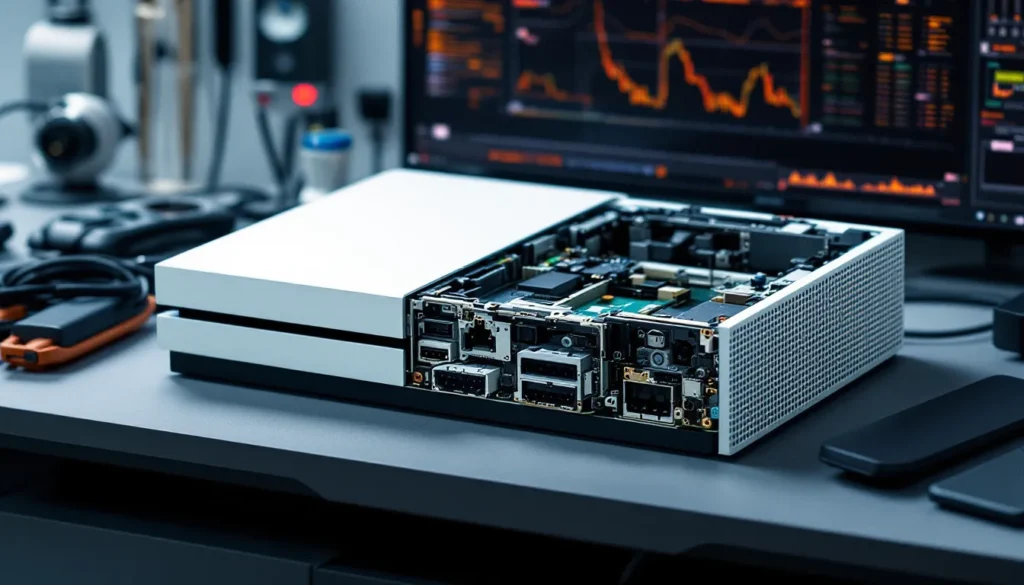
- Every 3-6 months, use compressed air to blow dust out of the vents. Don’t open the console unless you’re comfortable with electronics: Microsoft used security screws to discourage DIY repairs.
- Wipe down the exterior with a microfiber cloth. Avoid cleaners with ammonia or alcohol on the glossy top panel.
Common issues and fixes:
- Disc drive won’t eject: Perform a manual eject by inserting a paperclip into the pinhole on the left side of the console (power off first). If this becomes frequent, the drive motor may be failing.
- Won’t power on: Check the power brick’s orange light. If it’s off, the brick is dead ($20-30 replacement). If the light is on but the console won’t boot, try a hard reset (hold power button for 10 seconds).
- Overheating or shutting down: Ensure vents aren’t blocked. Elevate the console on small feet or a stand to improve airflow. If it persists, internal thermal paste may need replacing (advanced repair).
- Controller connectivity issues: Re-pair the controller by plugging it in via USB. Update the controller firmware via Settings > Devices > Accessories.
- Slow UI or freezing dashboard: Perform a full restart (Settings > Power & startup > Restart console). Clear the cache by holding power for 10 seconds until it fully shuts down, then unplug the power brick for 30 seconds.
Storage upgrades:
The original 500GB HDD fills fast. External USB 3.0 drives (up to 16TB) are supported and easy to set up:
- Plug the drive into a rear USB port (USB 3.0 required).
- Format it via Settings > System > Storage.
- Move games via “Manage game” menus or set the external as the default install location.
SSDs improve load times modestly (20-30% faster), but the console’s CPU and I/O still bottleneck. A 1TB external HDD runs $40-50: a 1TB SSD is $70-90.
Conclusion
The original Xbox One launched with big ambitions, stumbled out of the gate, and spent the next seven years quietly proving its worth. It never matched the PS4’s sales or pixel counts, but it delivered a massive game library, excellent backwards compatibility, and a controller design that’s still the gold standard in 2026.
For budget-conscious gamers, the original Xbox One represents a risk-reward proposition. At $60-90 used, it’s the cheapest ticket to Game Pass, hundreds of Xbox 360 classics, and a solid 1080p gaming experience. But it’s also the slowest, least capable Xbox in the current ecosystem, with no path to next-gen exclusives and resolution caps that show their age on modern TVs.
If the price gap to an Xbox One S or a used Series S is small, those are smarter buys. But if you’re truly on a tight budget, need a disc drive, or just want to revisit the console that brought TV passthrough and impulse triggers into the world, the original Xbox One still gets the job done. Just don’t expect it to wow anyone in 2026.